
audiO'H · VST3 instrument · Free
Crate Digger
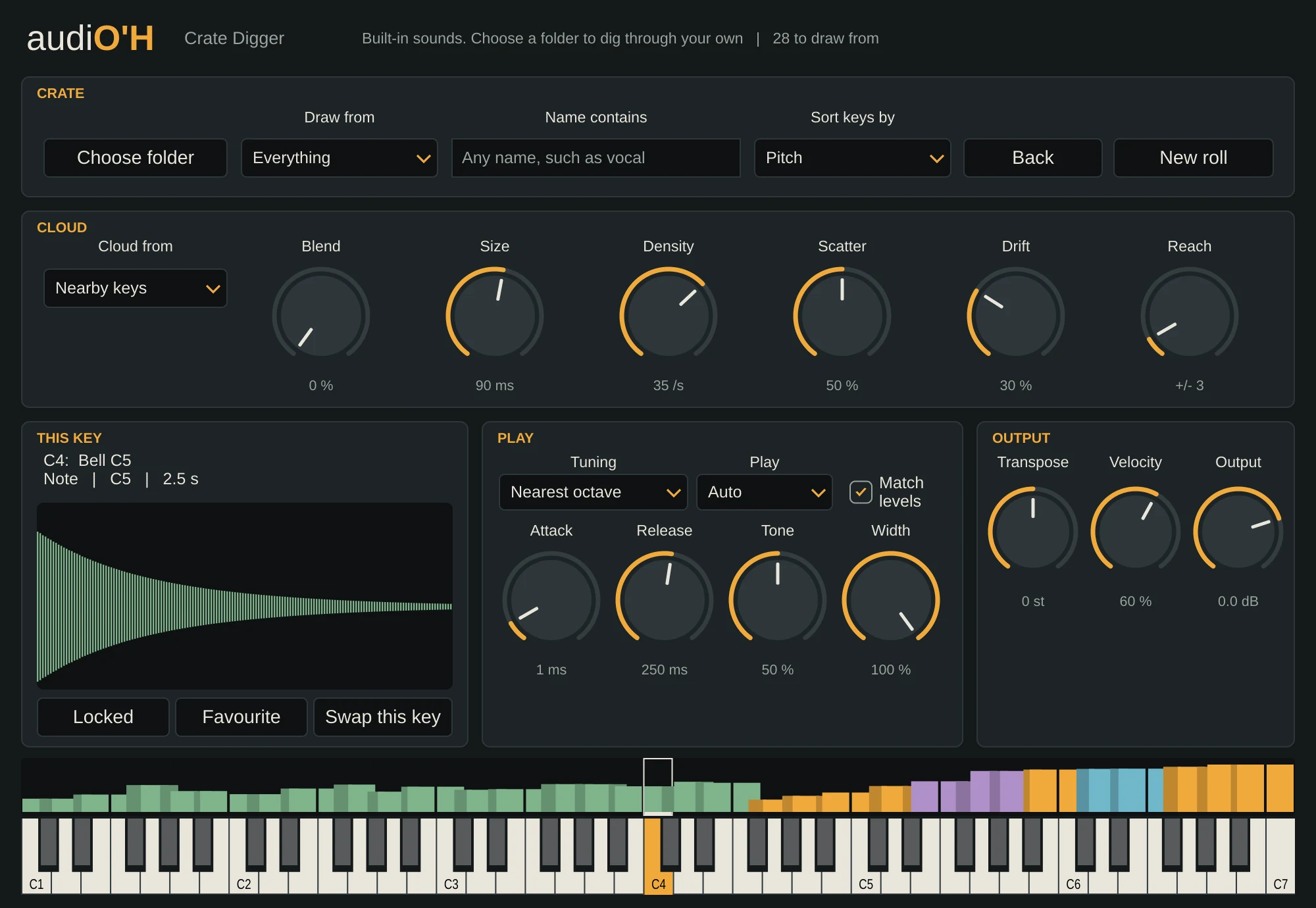
An instrument for the samples you never get round to using. Point Crate Digger at a folder and it reads everything inside, works out each sample's pitch, brightness, length and type, then lays them across the keyboard, tuned to the keys. Press New roll and you get a different set.
What it does
Most of us have gigabytes of sample packs we've never opened. Crate Digger deals them out across your keyboard, a new set every roll, so you play through your collection instead of scrolling a browser. When something sounds good, lock it to its key and keep rolling the rest.
Turn up Blend and each key becomes a sustained cloud of tiny fragments taken from several samples at once, tuned to the key. Sort the keys by pitch, hold a chord, and a folder of random one-shots becomes a pad.
- VST3 · Windows
- Up to 20,000 samples
- 16 voices
- Nothing leaves your PC
Key features
- Reads folders and the folders inside them, and remembers what it's analysed, so the second scan is quick.
- Sorts each sample as a hit, note, loop or texture, and tunes samples with a clear pitch to the key you press.
- Draw from just hits, notes, loops, textures or your favourites, or only samples with a word like “vocal” in the name.
- Lock the keys you like, star favourites for every song, or swap a single key.
- Blend turns any key into a sustained grain cloud from nearby keys, your locked keys, or the whole keyboard.
- The samples on the keys are saved inside your song, up to 40 MB, so it still sounds right if you reorganise your drive.