
audiO'H · VST3 instrument · Free
Ensemble Maker
Turn one solo player into a whole section. Ensemble Maker takes a single violin, trumpet, flute or voice and plays it as up to 32 players, each coming in at their own time, slightly out of tune in their own way, with their own vibrato, from their own seat in a shared room.
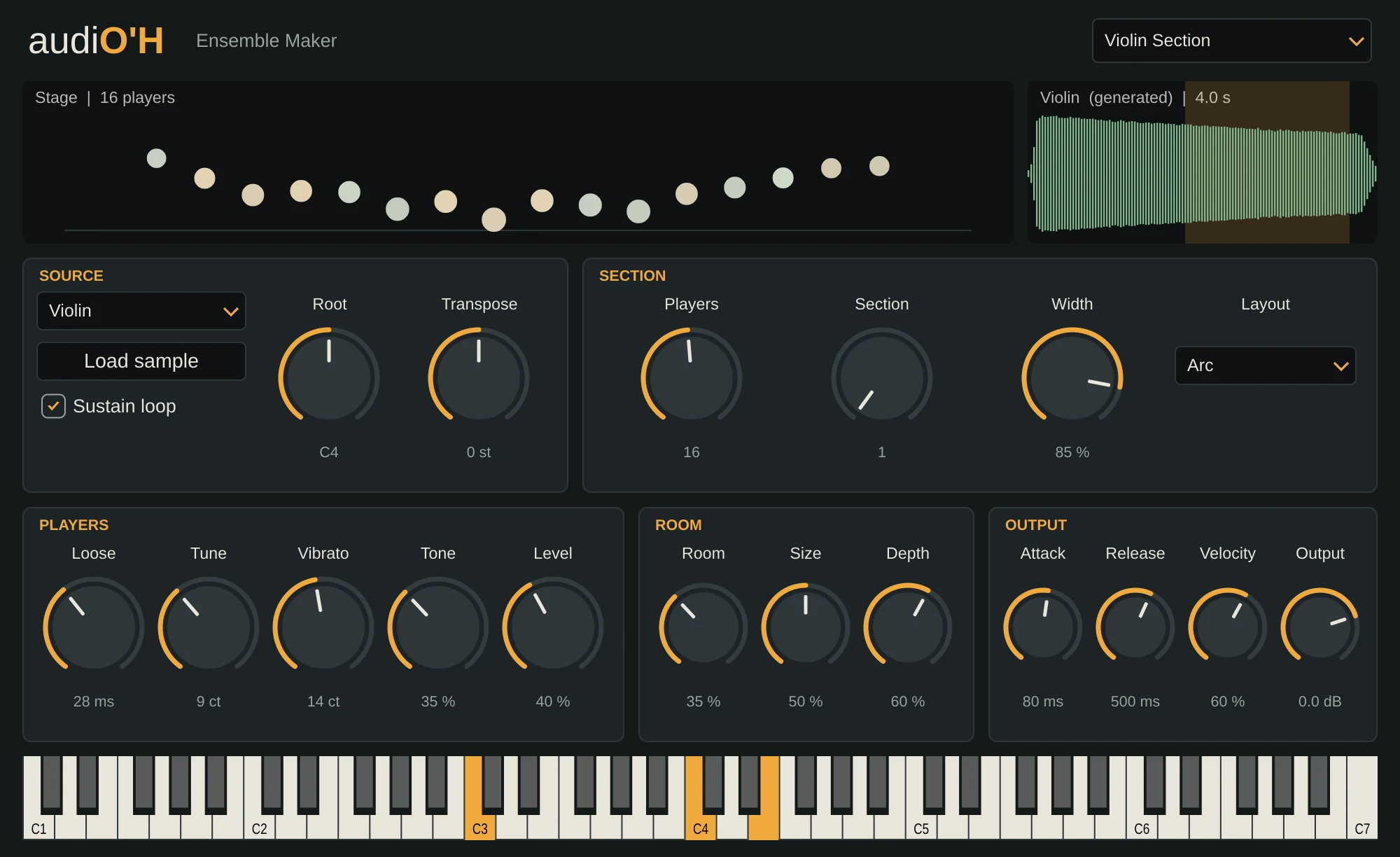
What it does
Copying a sound and detuning it gives you a chorus effect, not a section. Real players differ in many small ways at once: when they come in, how they tune, how fast their vibrato is, how bright they play, and where they sit. Ensemble Maker gives every player their own version of each, so the result sounds like people.
Bring the Players knob down to 1 and back up to hear the difference. Load your own solo recording to make a section from it. A single dry note with no vibrato works best.
- VST3 · Windows
- 1 to 32 players
- 12 notes at once
- 12 presets
Key features
- Up to 32 players from one sample, and the level stays steady however many there are.
- 99 different sections, each with its own seats and habits. Your choice comes back with the song.
- Four seating layouts (Arc, Rows, Scattered and Tight), and players further back sound later, quieter and darker.
- Eight built-in solo sounds: Violin, Cello, Trumpet, Horn, Flute, Clarinet, Voice and Whistle. Or load your own.
- A sustain loop keeps held notes going for longer than the sample.
- One shared room for the whole section, so adding players doesn't add to the CPU cost of the reverb.